LanCall
Chat and call nearby iPhones. No internet needed.
LanCall sends messages and makes voice calls between iPhones close to each other, over local Wi‑Fi or straight from phone to phone. You don’t need internet, an account or a server. It’s built for ships, planes, trains, events and anywhere else without a signal.
US$4.99, one-time purchase · iPhone with iOS 17 or later · Both phones need LanCall

How it works
LanCall connects two iPhones directly. If the Wi‑Fi network lets phones reach each other, LanCall uses it. If it doesn’t, or there is no network at all, the phones connect directly over Apple’s peer-to-peer Wi‑Fi, the same kind of link AirDrop uses.
-
Open LanCall on both iPhones
Allow Local Network access when asked. This lets the two phones find each other.
-
Add each other
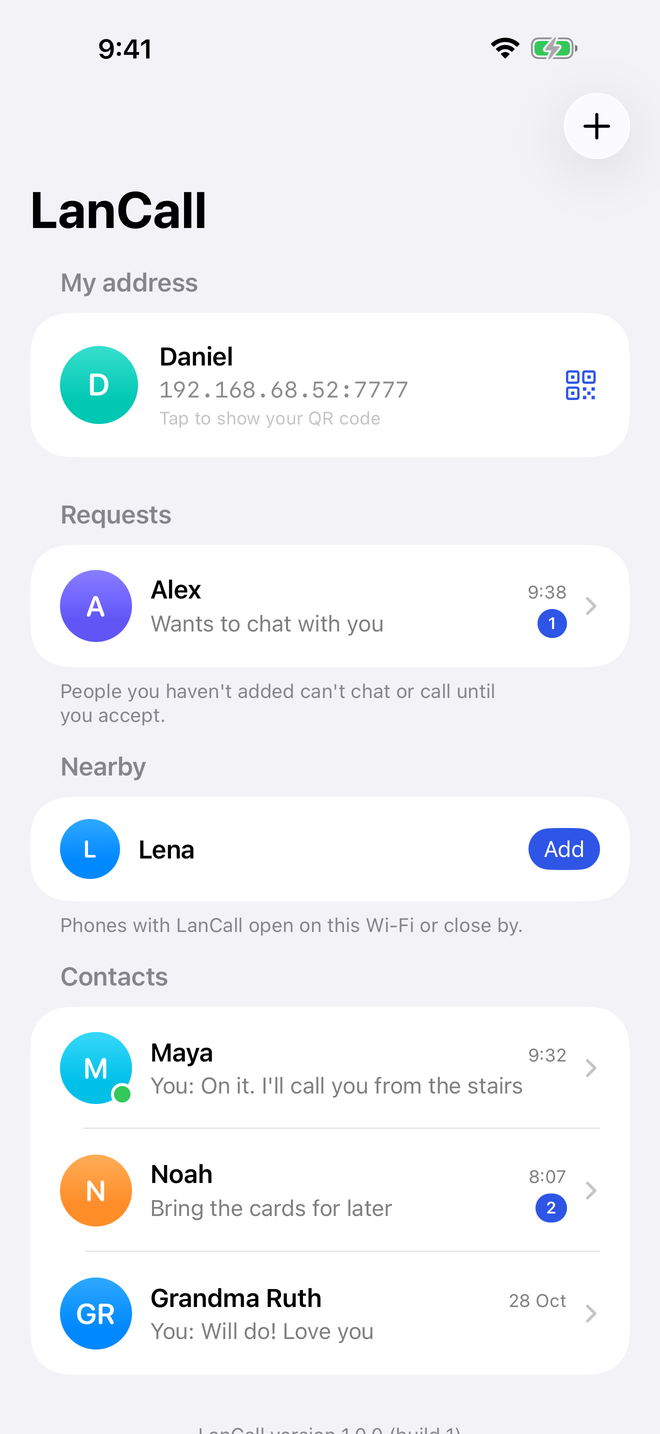
Tap Add next to the other phone under Nearby. You can also scan its QR code, tap an NFC tag, type an IP address or share a link. The first time you message someone, they get a request to accept.
-
Chat and call
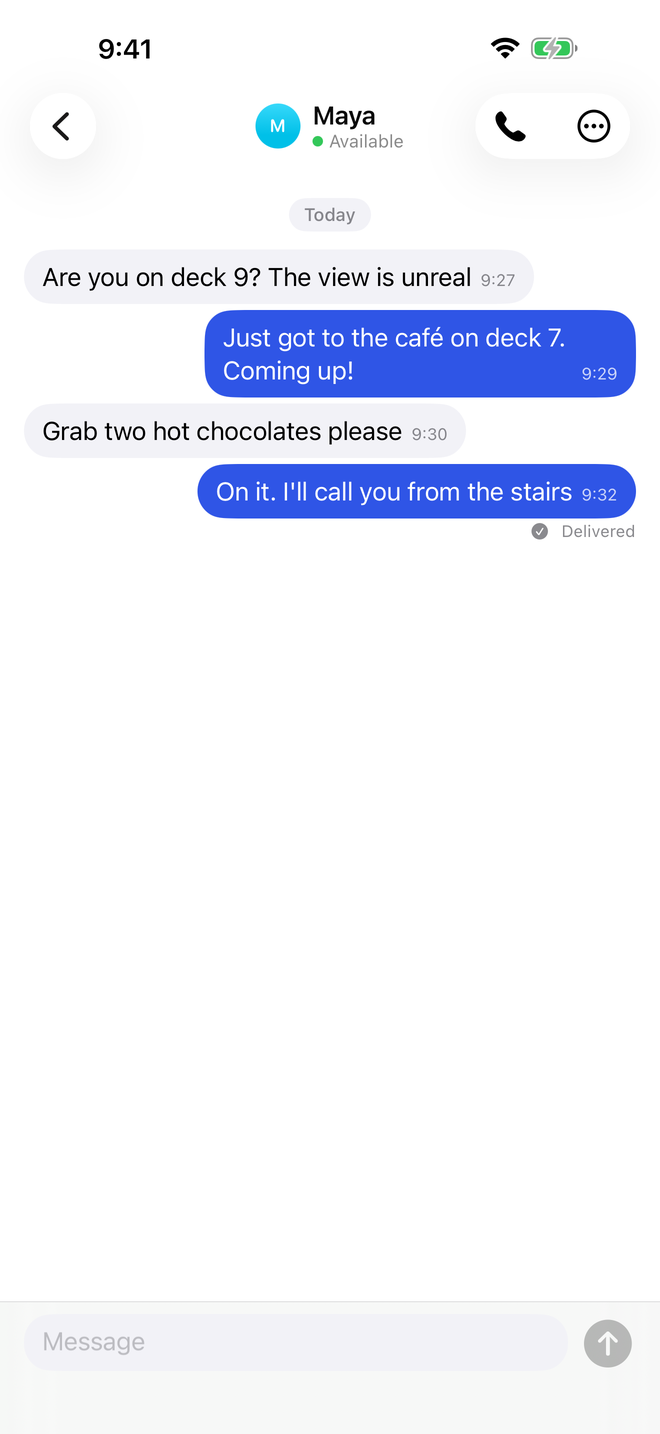
Messages and calls go straight from one phone to the other, encrypted end to end. Nothing goes through the internet.
What you get
Simple messaging and calling for the times when your phone has no signal.
Works without internet
No mobile data, no Wi‑Fi internet and no roaming needed. The phones talk to each other directly.
Nearby
Phones with LanCall open show up under Nearby. You can also add people by QR code, NFC tag, IP address or link.
Messages deliver themselves
If the other phone is out of reach, your message waits on your phone. It is sent automatically when both apps are open and in reach.
Voice calls
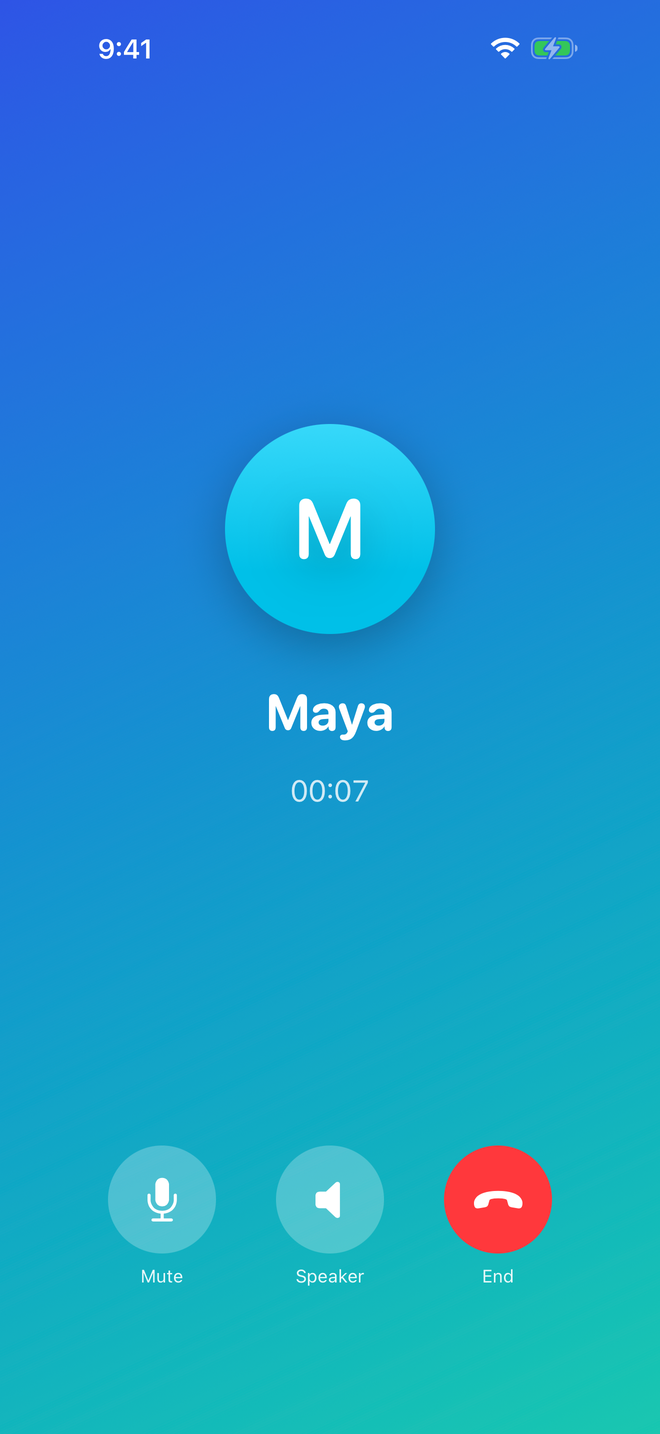
Talk to someone elsewhere on the ship, the train or the venue. Calls ring while LanCall is open on both phones.
End-to-end encryption
Messages and calls are encrypted between the two phones with Apple’s CryptoKit. How it works.
No accounts, no servers
No sign-up, phone number or email. No analytics, ads or tracking. Your chats stay on your phone. We never receive them.
Safety tools
People you haven’t added can only send a request. You can block and report, and a filter hides offensive words. Safety.
What you need, and what to expect
We want you to know exactly what LanCall can and can’t do before you buy it.
You need
- Two iPhones with iOS 17 or later, each with LanCall installed. LanCall only talks to LanCall.
- Wi‑Fi turned on. You don’t have to join a network.
- Local Network permission, so the phones can find each other.
- Microphone permission for calls only. Chat works without it.
Good to know
- Calls only ring while LanCall is open on both phones. Without internet, iOS can’t wake an app that’s closed.
- Many plane, ship and hotel networks block phones from reaching each other. Then LanCall uses the direct link, which works only when the phones are fairly close (roughly AirDrop range). We can’t promise it works on every network.
- Not for emergencies. LanCall can’t call emergency services or regular phone numbers.
- On planes and ships, follow crew instructions and only use LanCall when Wi‑Fi use is allowed.
Price
Pay once. No subscription, no in-app purchases and no ads.
The App Store shows the final price in your country and currency. At launch, LanCall is not available in the European Union or mainland China. Each person needs LanCall on their own iPhone.
Screenshots
LanCall on iPhone.